Create goals from your editor
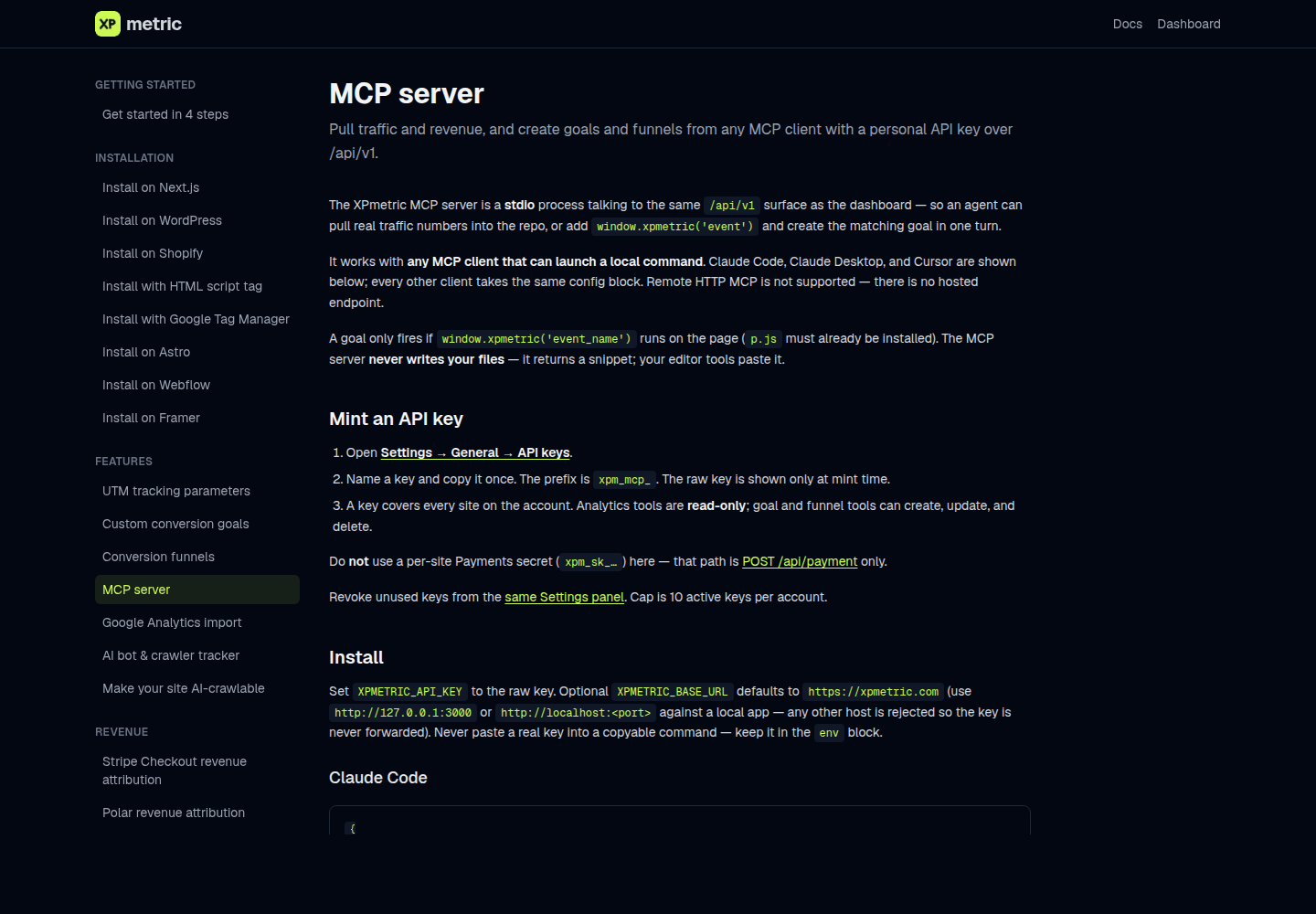
Turn a new conversion event into a live goal without leaving your editor. Your coding agent can inspect the events your site already sends, show you the tracking snippet for a new one, and create the matching goal or funnel in XPmetric.
Your code and the goal can be updated in the same working session. There is no need to copy an event name from one tab into another.
How it works
Open Settings → General → API keys, name a key, and copy it once. It covers every site on your account.
With the key, your agent can list sites, find custom events that are not goals yet, and create, update, or delete goals and funnels. It can also read period totals, a timeseries, and ranked breakdowns for pages, sources, countries, and devices with the same filters the dashboard uses. Cookieless safeguards apply here too. A visitor funnel that spans multiple days on a cookieless site is rejected rather than reporting a misleading rate.
Agent traffic has its own rate budget, so a busy editor session does not slow down your open dashboard.
The MCP server guide has setup steps for Claude Code, Claude Desktop, Cursor, and other clients that can launch a local command. Mint a key, paste the config block, and ask your agent to wire the event and goal together.
Analytics that plays like a game. Free for 14 days, no card.
Start free trial →