← Changelog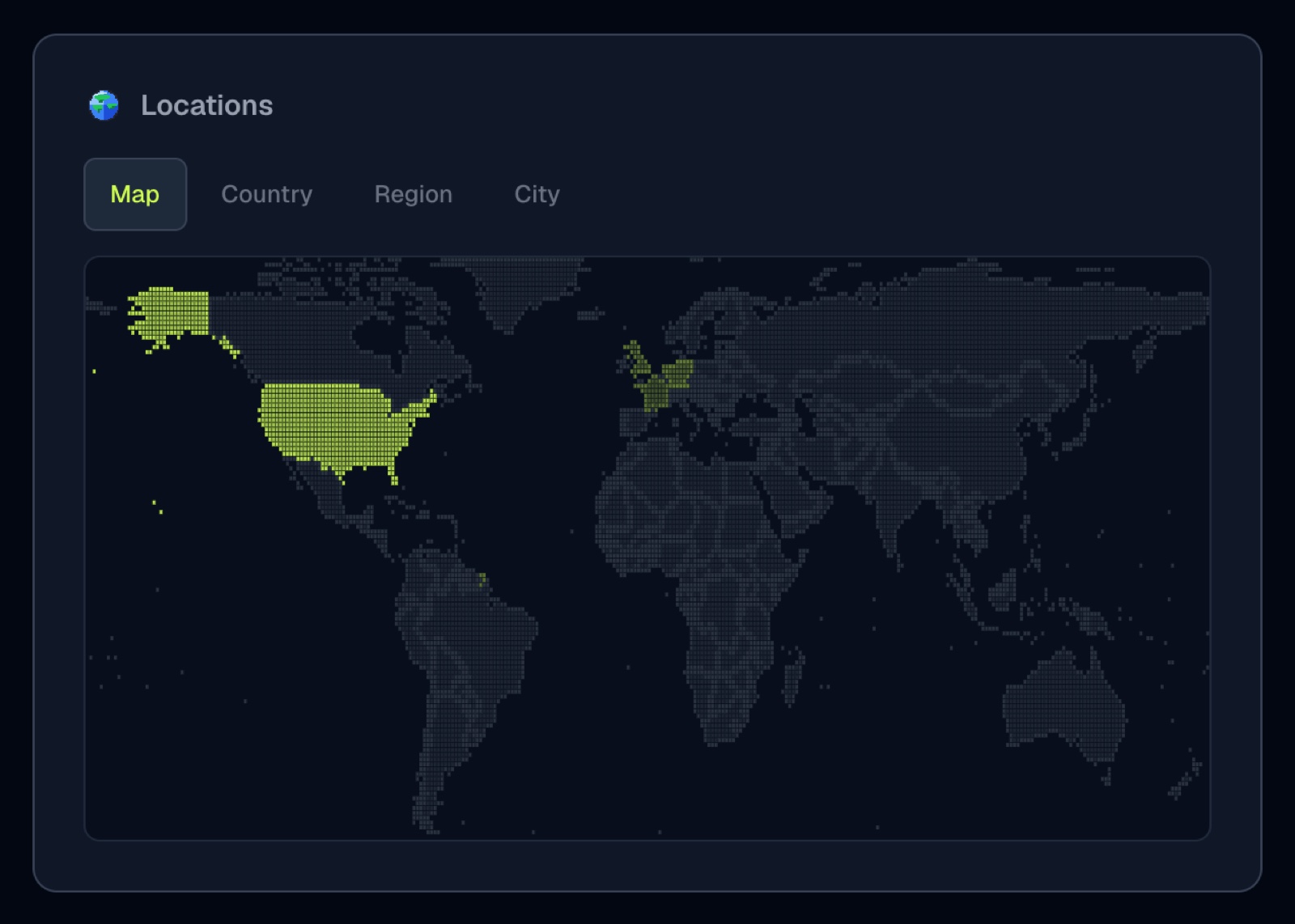
New
See where your traffic really comes from
A country list tells you which flags show up. It does not tell you which states, which cities, or how the world looks for the range you picked.
Locations replaces the old Countries card. Four tabs:
- Map. A static pixel heat map of visitors in the selected period. Click a country to filter the whole dashboard.
- Country. The ranked list you already know, including the visitors/revenue toggle when payments are attributed.
- Region. States and provinces (California, Bavaria, England), each tagged with its country so codes like
CAnever collide. - City. The cities behind the traffic, same ranked-list treatment.
Every tab respects the filters at the top of the dashboard. Region is also a filter you can pick from the Filter menu, so you can ask "show me only California" the same way you ask for a country or a city.
Region data starts from new events after this ships. Older hits never stored a region, and we are not rewriting history. City was already recorded, and the City tab finally surfaces it.
Analytics that celebrate your wins. Free for 14 days, no card.
Start free trial →