Track crawlers and human pageviews with one WordPress plugin
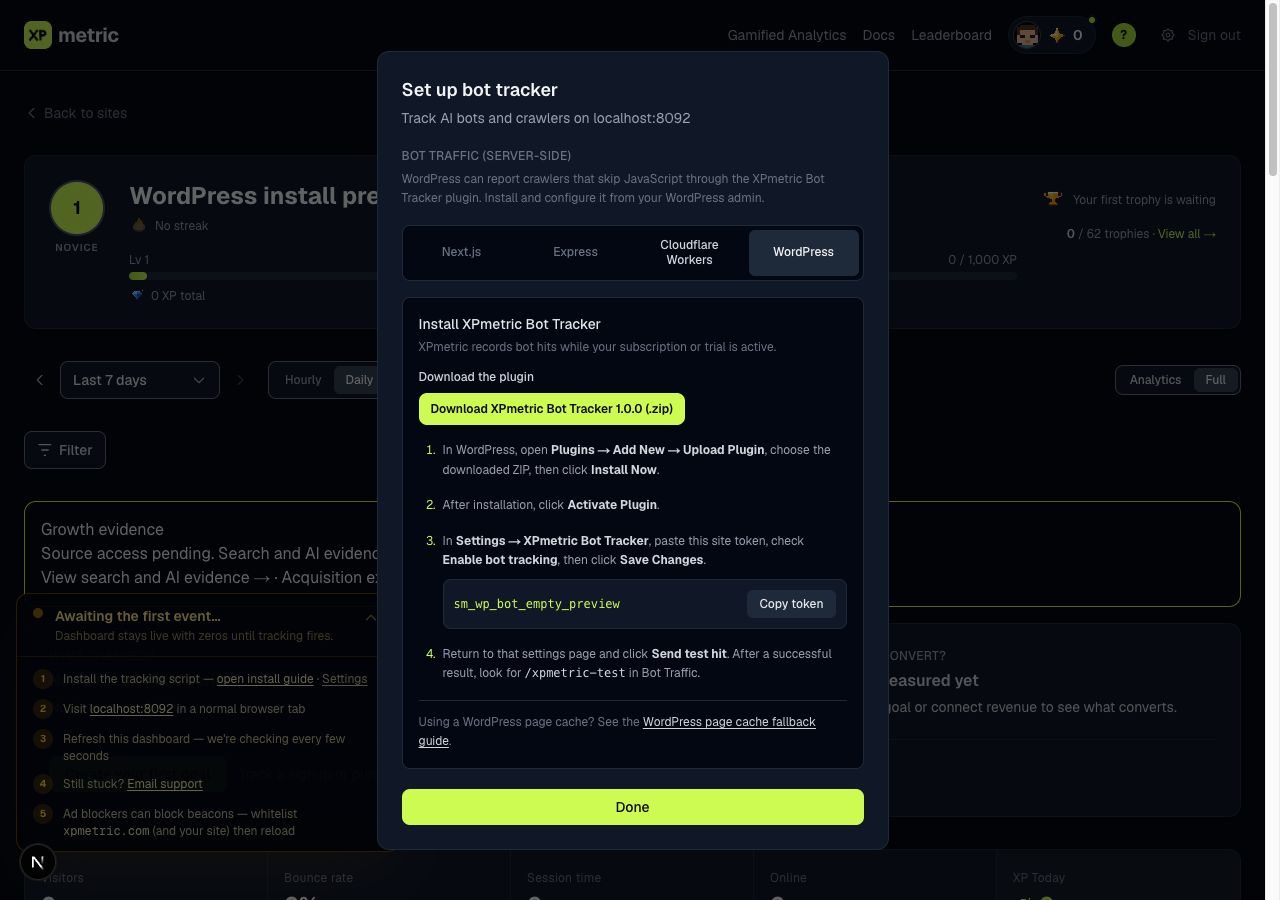
See crawler visits and human pageviews in the same XPmetric site from one WordPress plugin. XPmetric Bot Tracker records likely crawler requests with their actual response codes, so a page that returns 404 can appear in Bot Traffic's 404 ideas. Browser tracking is on by default for new installs, so saving your site token is enough to see ordinary pageviews without editing the theme. Sites that already saved their settings keep their choice.
Keep server-side crawler reporting and browser pageviews optional. For human tracking, choose Cookieless or Cookie to match the site's XPmetric tracking mode. The plugin shows the script URL before enabling it. It checks active WPCode snippets and the rendered page to prevent duplicate injection. If it finds an existing XPmetric script or cannot confirm the page is clear, it refuses to enable injection until you resolve the conflict.
Cookie mode adds its script automatically. If your site uses a consent tool, configure it to load the script only after analytics consent, or let the consent tool add it. XPmetric does not include a consent tool.
Install the plugin in WordPress admin with your XPmetric site token, then send a test hit to confirm that crawler reports reach Bot Traffic. Data collection requires an active subscription or trial. When neither is active, XPmetric pauses collection, and the feature is available on all plans. The guide also covers early page caches that need a crawler rule or edge reporting path.
Install XPmetric Bot Tracker, including mode selection, duplicate checks, and cache guidance.
Analytics that celebrate your wins. Free for 14 days, no card.
Start free trial →