← Changelog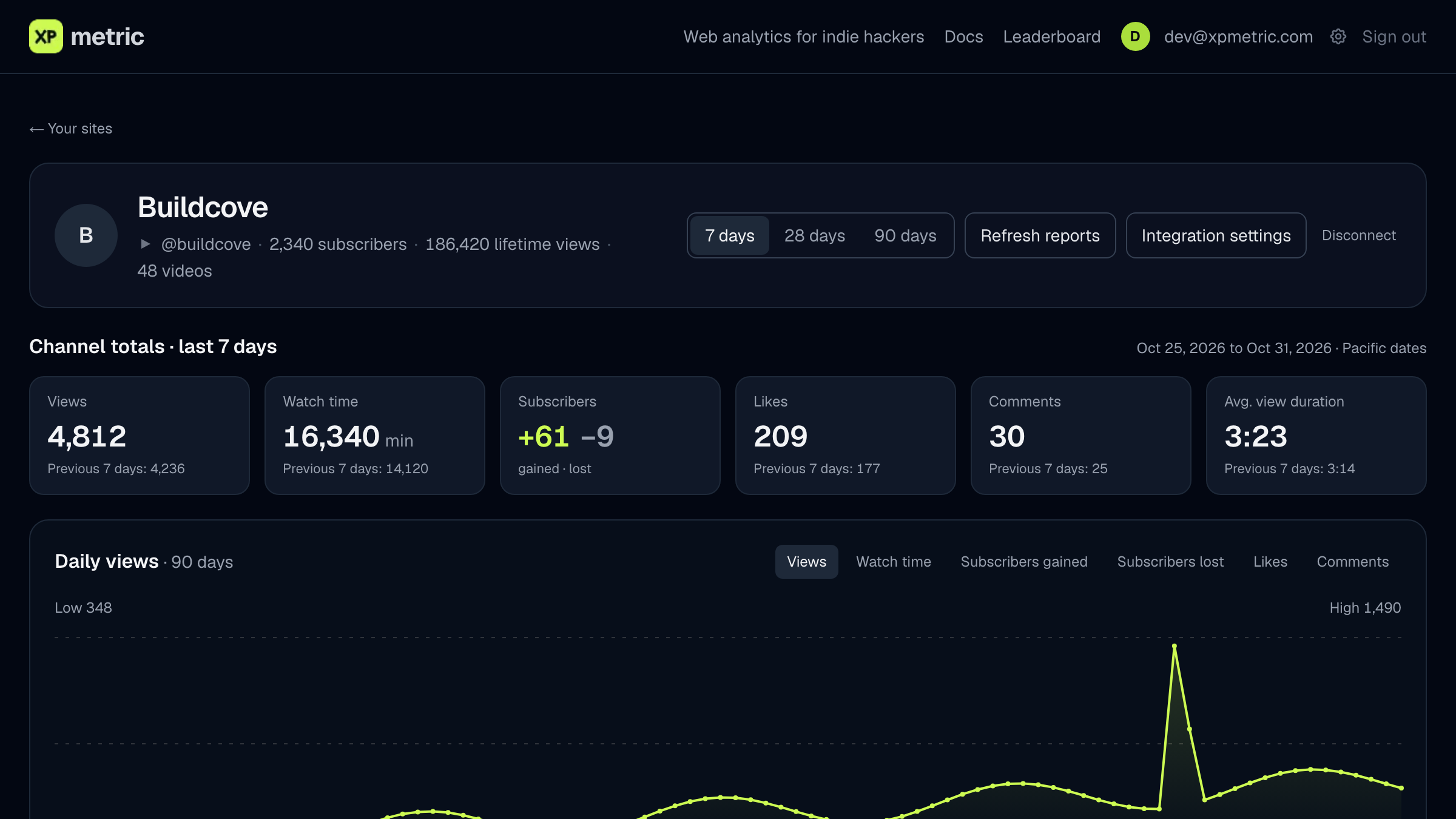
New
Read your YouTube Analytics beside your site campaigns
See your channel's daily views, watch time, subscriber changes and the videos behind them in one private owner view.
Connect a channel you own or manage from Settings → Integrations. XPmetric asks for read-only YouTube access, and Google verified that access before launch.
- Your channel at a glance. A creator card on your main dashboard shows the channel picture, handle and subscriber count, views with a daily sparkline, watch time, likes, average view duration and the period's top three videos. It stays out of your website totals.
- Numbers as YouTube reports them. Views, watch time, subscribers gained and lost, likes, comments, shares, average view duration and average percentage viewed, for 7, 28 or 90 days. Each total sits beside YouTube's own figure for the period before.
- Where viewers come from. Views and watch time by traffic source and by country, plus your top videos with thumbnails, publish date and length.
- Missing days stay missing. YouTube's daily data runs a few days behind. A day it has not reported yet is shown as missing, never as zero.
- Link a video to a campaign. Match any video to one exact campaign on a site you own, so the video sits beside that campaign's traffic. The link is a label you set, not proof that a video caused a visit or sale.
- You stay in control. Refresh saved reports by hand, reconnect if Google asks for authorization again, or disconnect to remove XPmetric's reports and ask Google to revoke access.
Available on every account. Read the YouTube Analytics guide.
Analytics that celebrate your wins. Free for 14 days, no card.
Start free trial →